AdvSolHub connects the content and screens of your business. You prepare images, video, scenes and playlists in a central panel, and the Android player displays them on the connected screen.
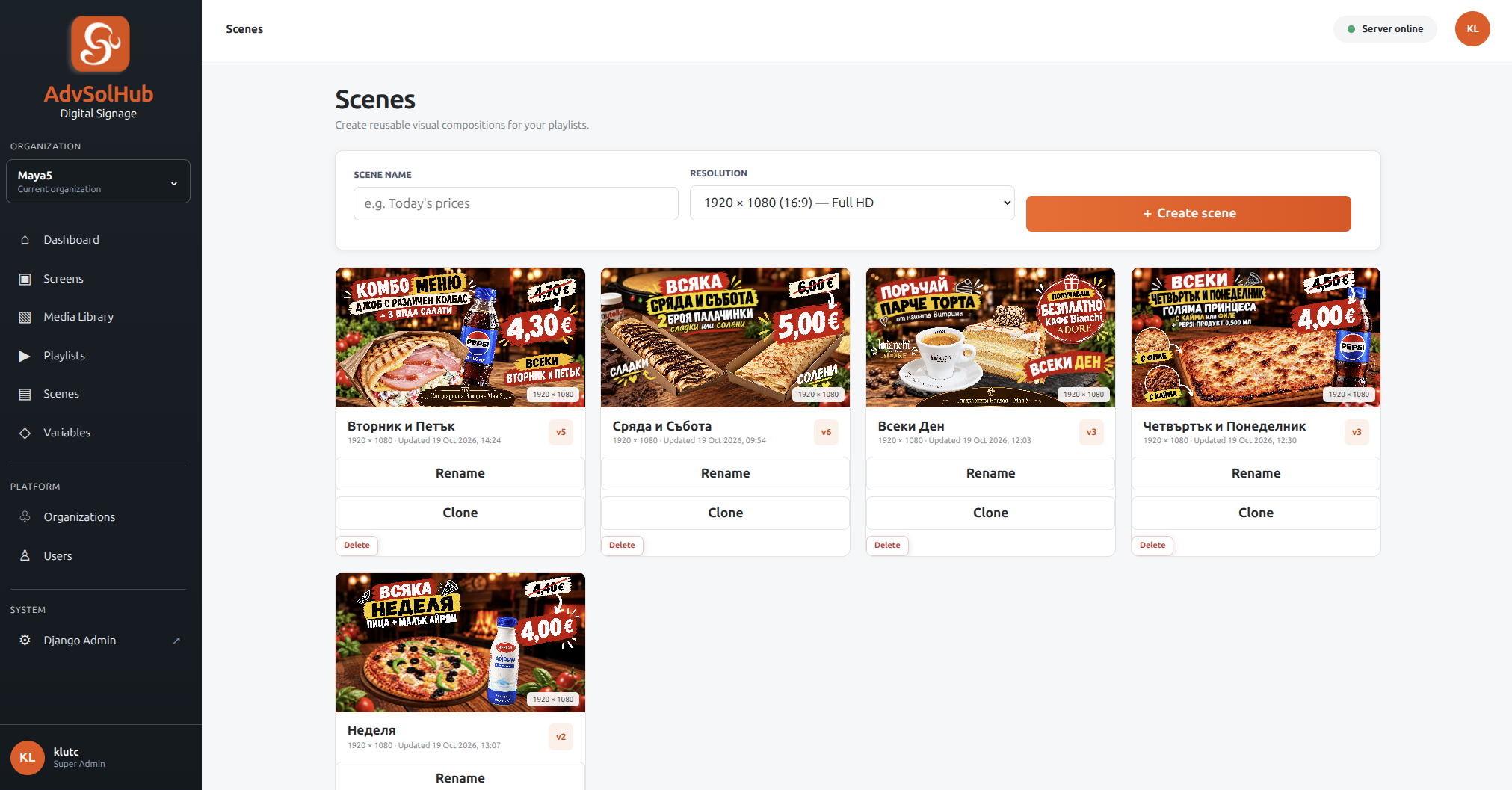
In this example, separate scenes are prepared for restaurant offers - combinations of images, text and prices. Ready-made visual compositions are used in the playlists for the screens.
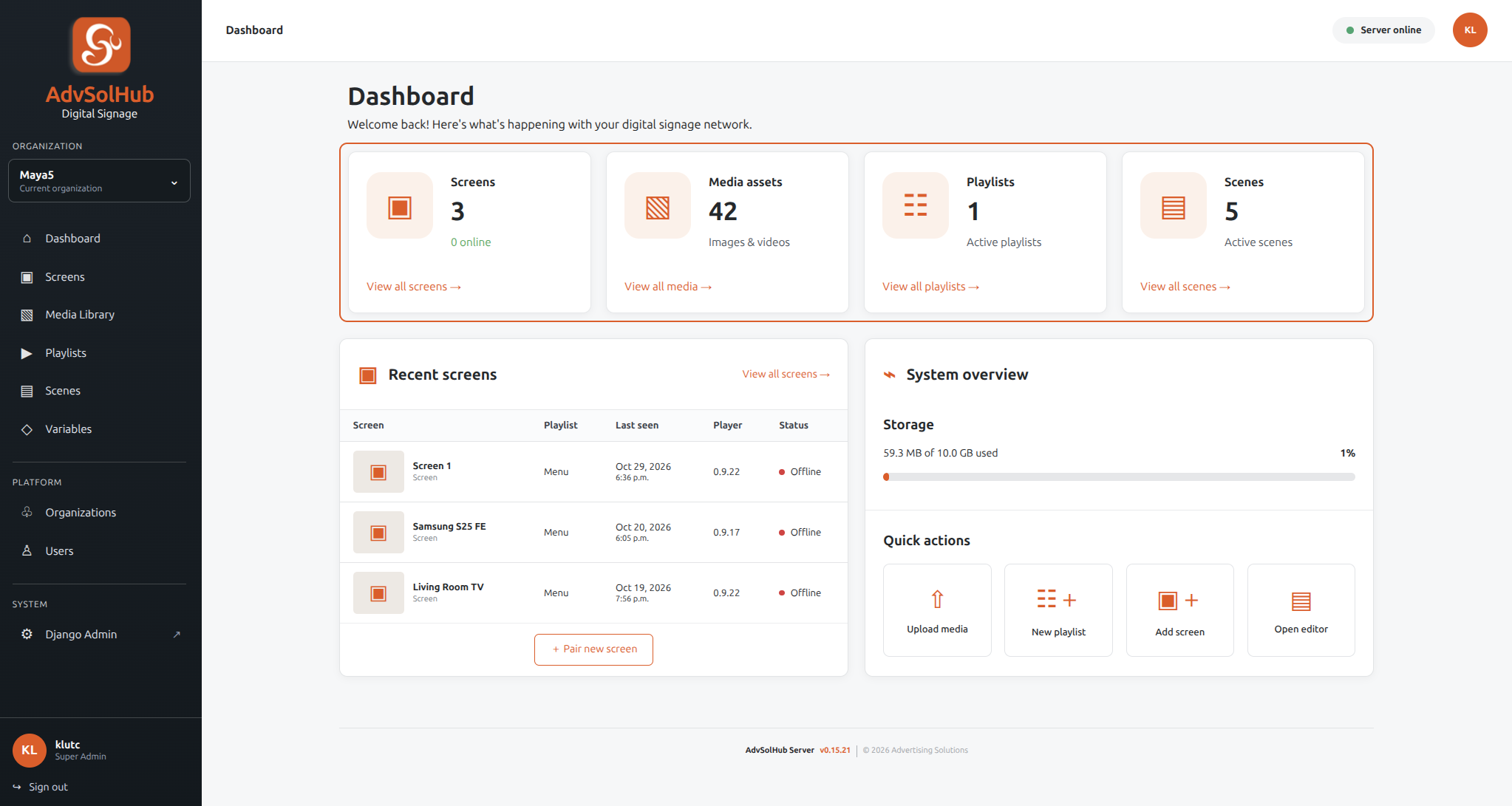
The panel collects the number of screens, media files, playlists and scenes. The list of recent screens shows the connected playlist, the last contact, the player version and its status.
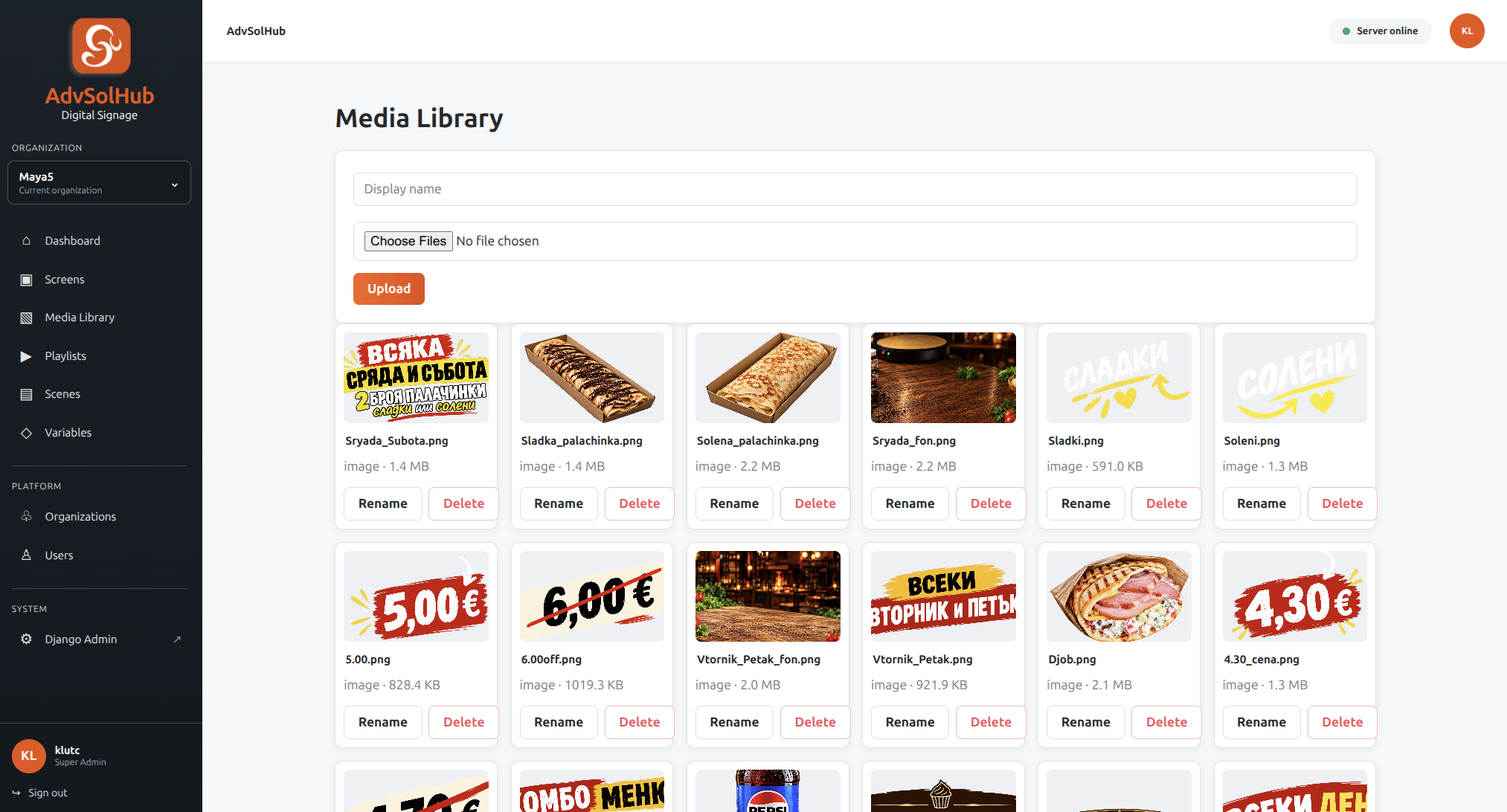
Product photos, backgrounds, captions, and other visuals are uploaded to the media library. From here, content is available to arrange into scenes and playlists.
The prices, counters and statuses shown are part of the captured example and not actual offers or real-time data.
HOW DOES THIS LOOK IN PRACTICE
From the change in the panel to the display.
Here's how a typical system task might go. The specific setup depends on the screens, players, content and connectivity.
01
New offer in a restaurant
The task
You want to replace the old proposal with a new preview.
The approach
You upload the prepared image, include it in a scene or playlist and refresh the content of the connected player.
The benefit
The change is managed through the panel, without manually copying each file to the device.
02
Different content by screen
The task
Information for visitors is needed at the reception, and a product presentation in another area.
The approach
You prepare different scenes or playlists for the respective screens and manage the content centrally.
The benefit
Each screen has a specific role, and management remains gathered in one place.
03
Pre-downloaded media
The task
You don't want every media file to be re-downloaded every time you view it.
The approach
The Android player downloads and stores the content locally. New files and remote commands require a server connection.
The benefit
Locally available playback media and a separate process for updating it.
HOW CAN WE HELP
From content to screen.
01
Central management
Manage organizations, screens and media files from a common panel. Pairing the player with the server to receive content.
02
Scenes and playlists
Arrange images and video into scenes and playlists, with support for dynamic variables. The way of presentation is determined by the content.
03
Android player
The player downloads and stores content locally. Supports video, power-on startup, and crash recovery mechanisms.
04
Remote commands
Commands to refresh content and restart the player, as well as remotely distribute application updates.
APPLICATION IDEAS
Where can it be useful?
Bars and restaurants
Visual menus, seasonal offers and presentation of products on screens.
Shops and showrooms
Product images, video and messaging for ongoing on-site campaigns.
Receptions and offices
Greetings, company introduction and informational content for visitors.
Examples are possible applications. Hardware, content and required settings are specified for the specific object.
WHO WE WORK WITH
Companies and teams, with whom we work.
Some of the organizations and brands we have worked with and are working with. The logos link to their current site or official page.